Watch this demo
Signing up
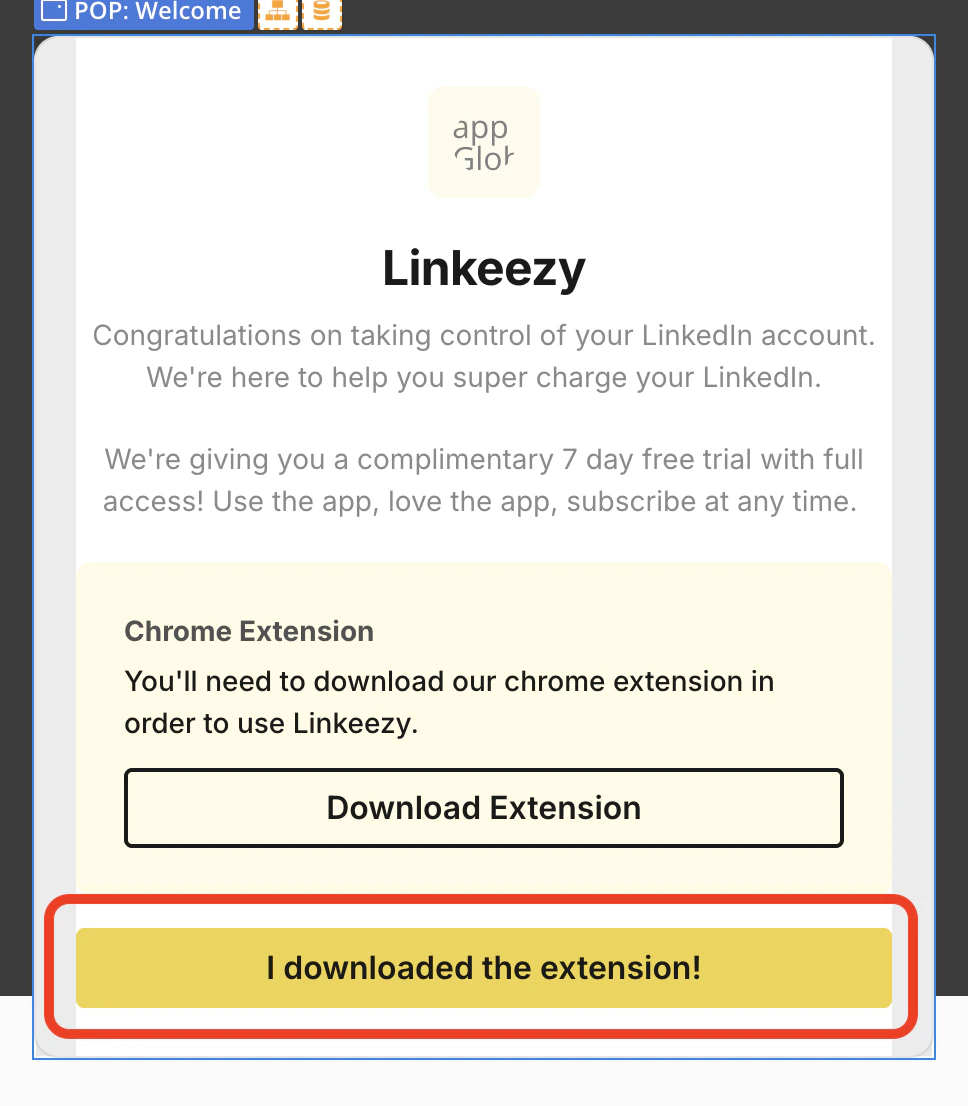
Get your Linkeezy account set up in under 3 minutes. Just sign up for your 7-day free trial, no credit card required to get started. Here’s what to do next:- After you create your Linkeezy account, you’ll be prompted to download the Chrome Extension. This is required in order for the Linkeezy application to properly work.
- After you’ve downloaded the extension, go back to Linkeezy and click the “I downloaded the extension!” button on the pop up prompt. This closes the pop up and then our app automatically detects your extension is active.
- Lastly, just ensure you have your LinkedIn profile open in another tab when you are using Linkeezy. Our extension fetches your active LinkedIn session to pull in your messages and content. Without the extension or your LinkedIn open in a tab, Linkeezy won’t work. But don’t worry if you forget, a pop up reminder will come up on the screen if LinkedIn is not detected.
And viola! 🤌
If you see a warning about the LinkedIn tab, even if you have the tab open: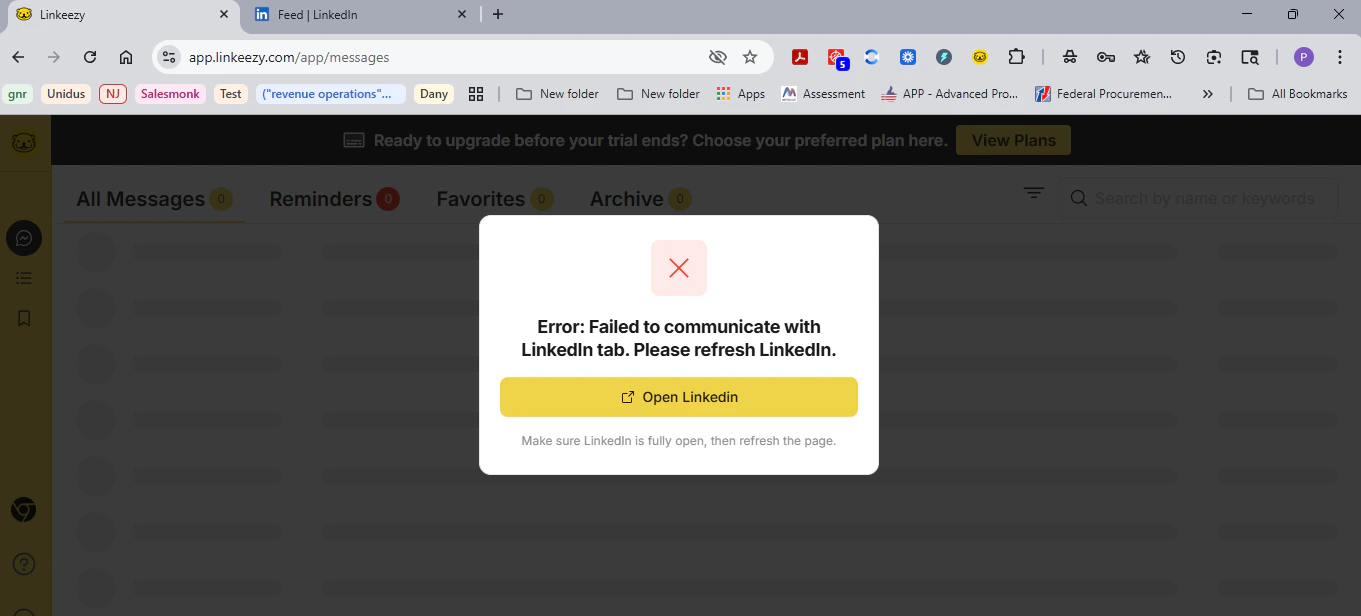
Note: our app and extension does not store any of your LinkedIn info, data, or content in the app. There is no data scraping, no AI, no auto replying or reacting, and no platform manipulation. You have full human control and that’s what LinkedIn should be, no bot or AI slop here. Read more in our compliance article.
Detailed guides
For more in-depth explanations and frequently asked questions about how things work in Linkeezy, check out the rest of the docs below.Inbox Manager
Everything about the LinkedIn inbox manager for your DMs.
Focused Feeds
Everything about creating focused feeds of people and topics.
Saved Posts
Everything about searching and organizing all your saved posts.
LinkedIn Compliance
How we ensure compliance with LinkedIn’s Terms of Service.